Review: Best legitimate methods for Telegram checker tools
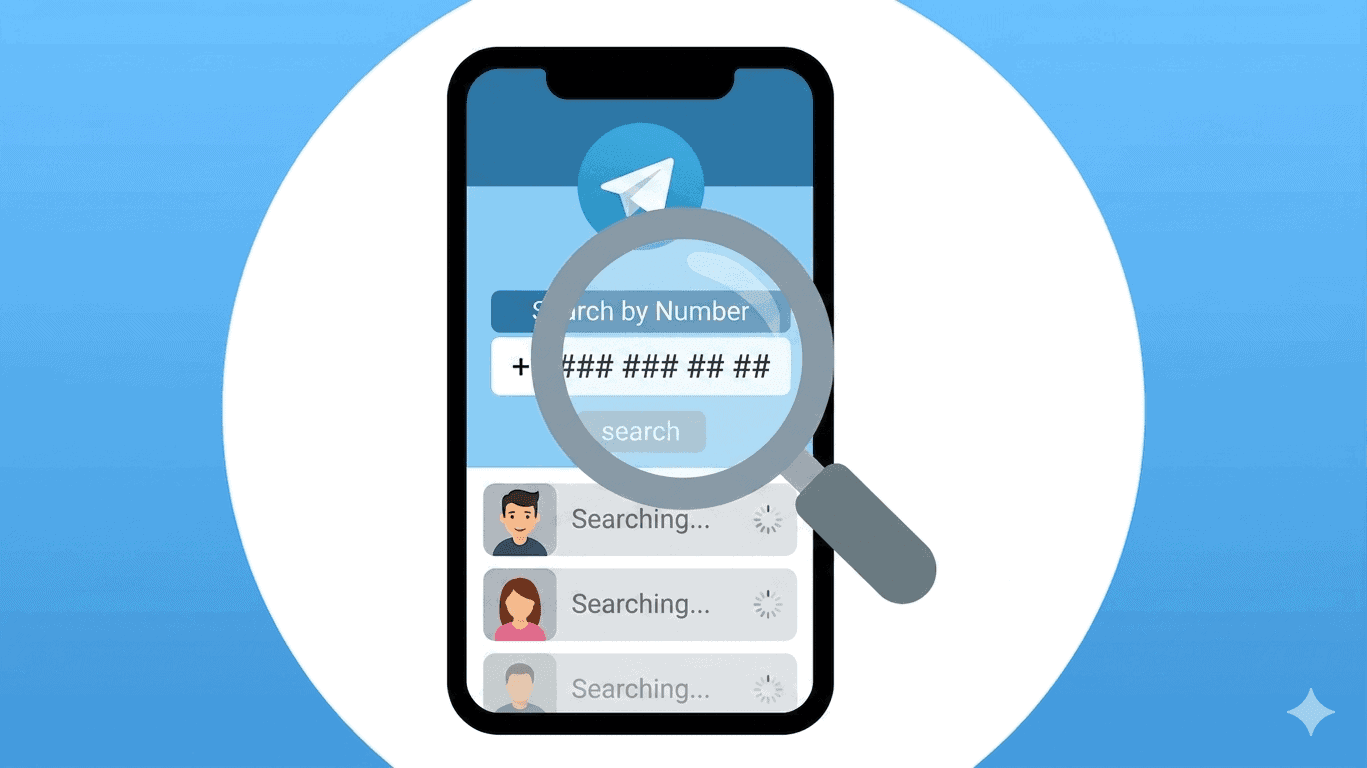
Telegram continues to grow rapidly as one of the world’s leading messaging platforms, now serving over a billion users worldwide. Because of this growth, many people search for a reliable telegram number checker to identify whether a phone number is registered on Telegram.
However, the reality is simple: there is no official external Telegram checker tool. All valid verification methods are built inside the Telegram app itself.
This guide explains how Telegram number checking actually works, what is allowed, what is not, and how to safely verify a number without relying on fake tools.
What Is a Telegram Number Checker?
A Telegram number checker is a general term used to describe any method that helps determine whether a phone number is linked to an active Telegram account.
Most users expect a website or tool that provides instant results. However, Telegram does not offer any public API or official database for number lookup.
Instead, all telegram checker methods depend on Telegram’s internal privacy-based system.
What Is a Telegram Number Checker?
Every Telegram account is created using a phone number. However, that number is not publicly searchable in most cases.
Telegram allows users to control visibility through privacy settings, which directly impacts whether a number can be discovered.
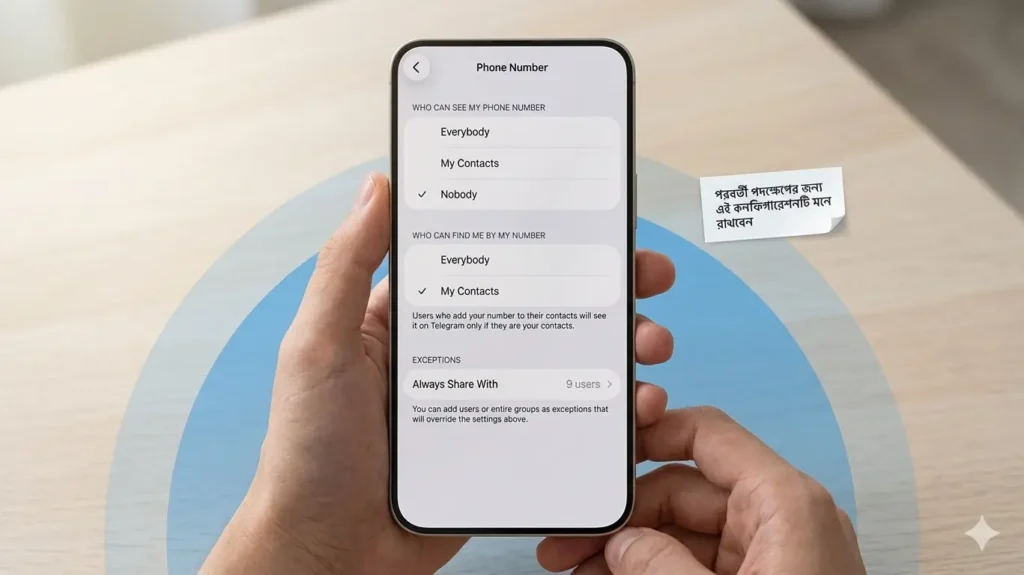
Telegram Privacy Controls
Inside Telegram settings:
Settings → Privacy and Security → Phone Number
Users can control:
- Who can see my phone number
- Who can find me by my phone number
These settings define whether a telegram number checker will work or fail.
If a user sets discovery to “Nobody,” their account becomes invisible through number-based searches.
Best Way to Use a Telegram Checker (Official Method)
1. Contact Sync Method (Most Reliable Telegram Number Checker)
This is the most accurate way to check a Telegram number.
Steps:
- Save the phone number in your contacts
- Use full international format (+country code)
- Open Telegram
- Enable contact synchronization
- Refresh contacts list
Result:
- If the person is on Telegram → profile appears
- If not → “Invite to Telegram” appears
However, privacy settings may still hide the account.